
Screenshots
App details
- Updated
- Jun 19, 2013
- Language
- Spanish 13 moreLanguagesSpanishEnglishPo...
- Category
- Mobile
SoftPas in:
This product is also available in the following languages:
About FileAlyzer Portable
Download FileAlyzer Portable – file analysis, hex dump, virus scan, portable tool, USB analysis
Overview
FileAlyzer Portable is a specialized utility designed for users who require deep insight into file structures without the need for installation. The application enables direct analysis of files from removable drives or local directories, making it ideal for scenarios where system changes must be avoided. Its primary purpose is to provide technical users with a comprehensive view of file metadata, binary content, and security status. This makes it particularly useful for IT professionals, software developers, and cybersecurity enthusiasts who frequently assess executable files, suspicious downloads, or embedded resources.
The tool is especially valuable in environments where portability and immediate access are critical—such as forensic investigations, system diagnostics, or on-the-go troubleshooting. By operating from a USB drive, users can analyze files across multiple machines without leaving traces or requiring administrative privileges. The developer, Jason K. Menard, has focused on delivering a lightweight yet powerful utility that prioritizes functionality over complexity. Although the developer did not provide additional technical details, the app’s long-standing presence since 2013 suggests a stable and reliable core functionality.
Real-world use cases include verifying the integrity of downloaded software, inspecting embedded assets in executables, and checking unknown files for potential threats using VirusTotal integration. In the broader app ecosystem, FileAlyzer Portable occupies a niche role as a no-installation diagnostic tool, filling a gap left by more general-purpose file managers or antivirus scanners. Its focus on technical depth and portability sets it apart in the utilities category.
Key Features & Functionality
- Portable Operation: Run FileAlyzer directly from a USB drive or any storage device without installation. This allows seamless use across different Windows systems, ideal for IT personnel or security analysts working in varied environments.
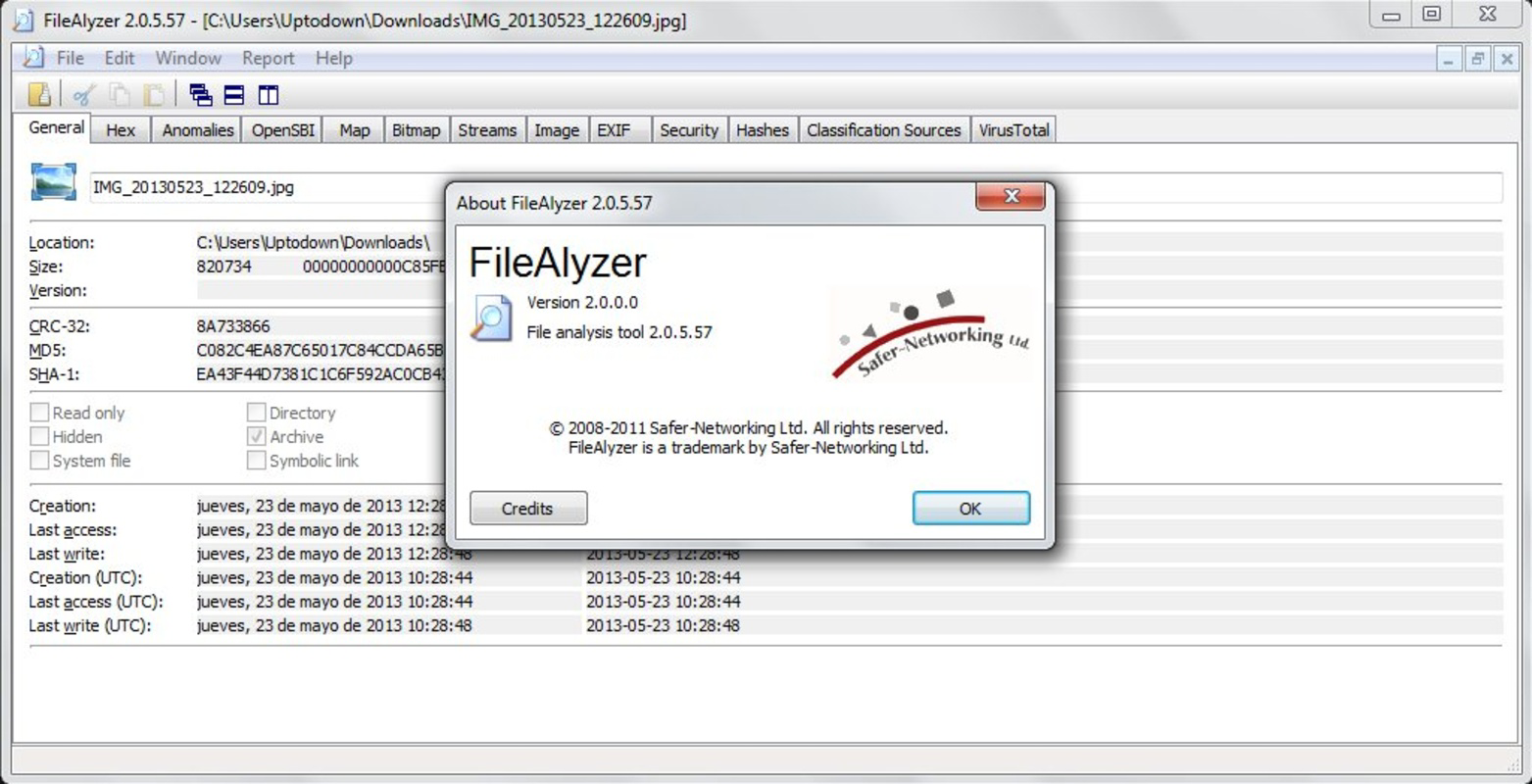
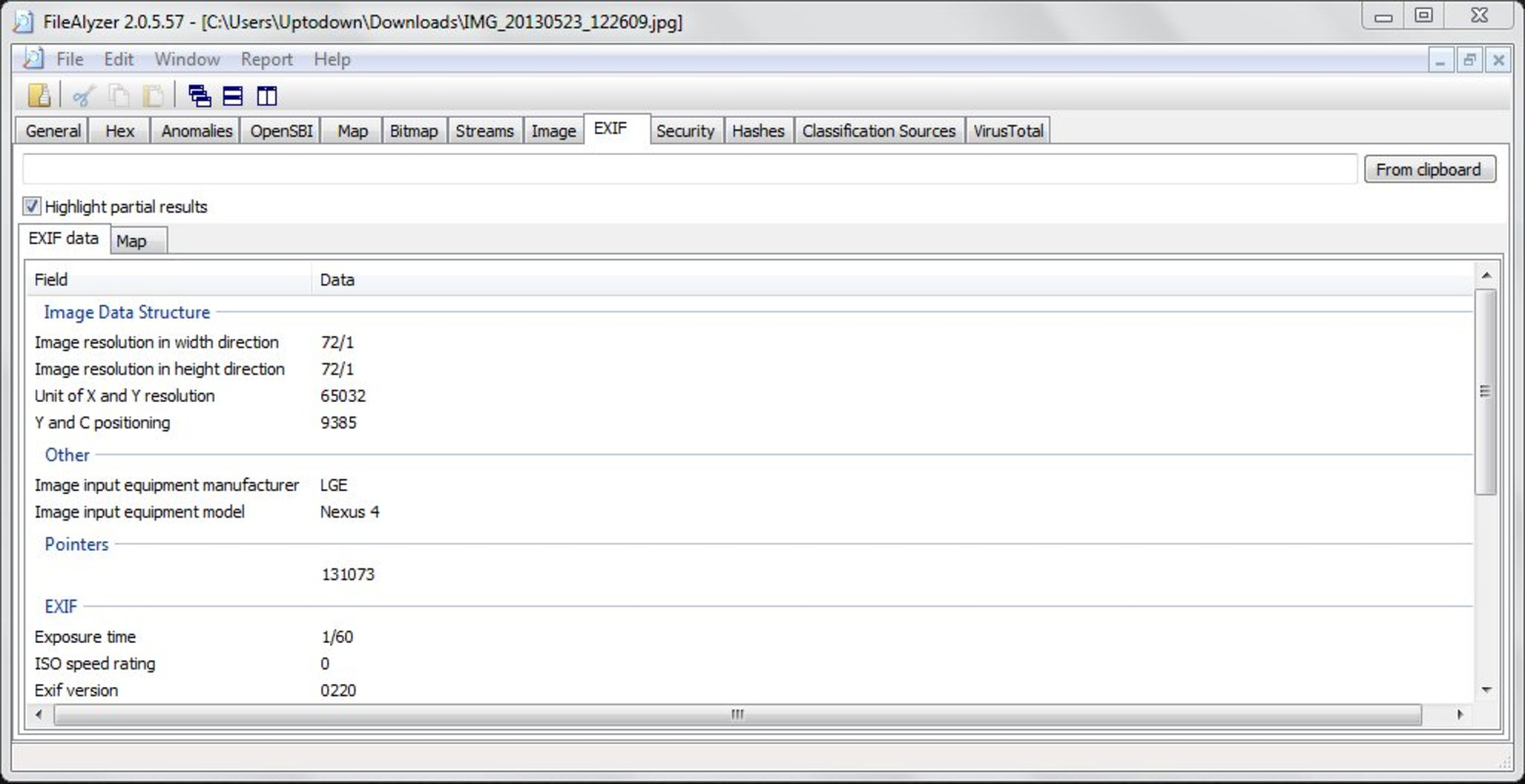
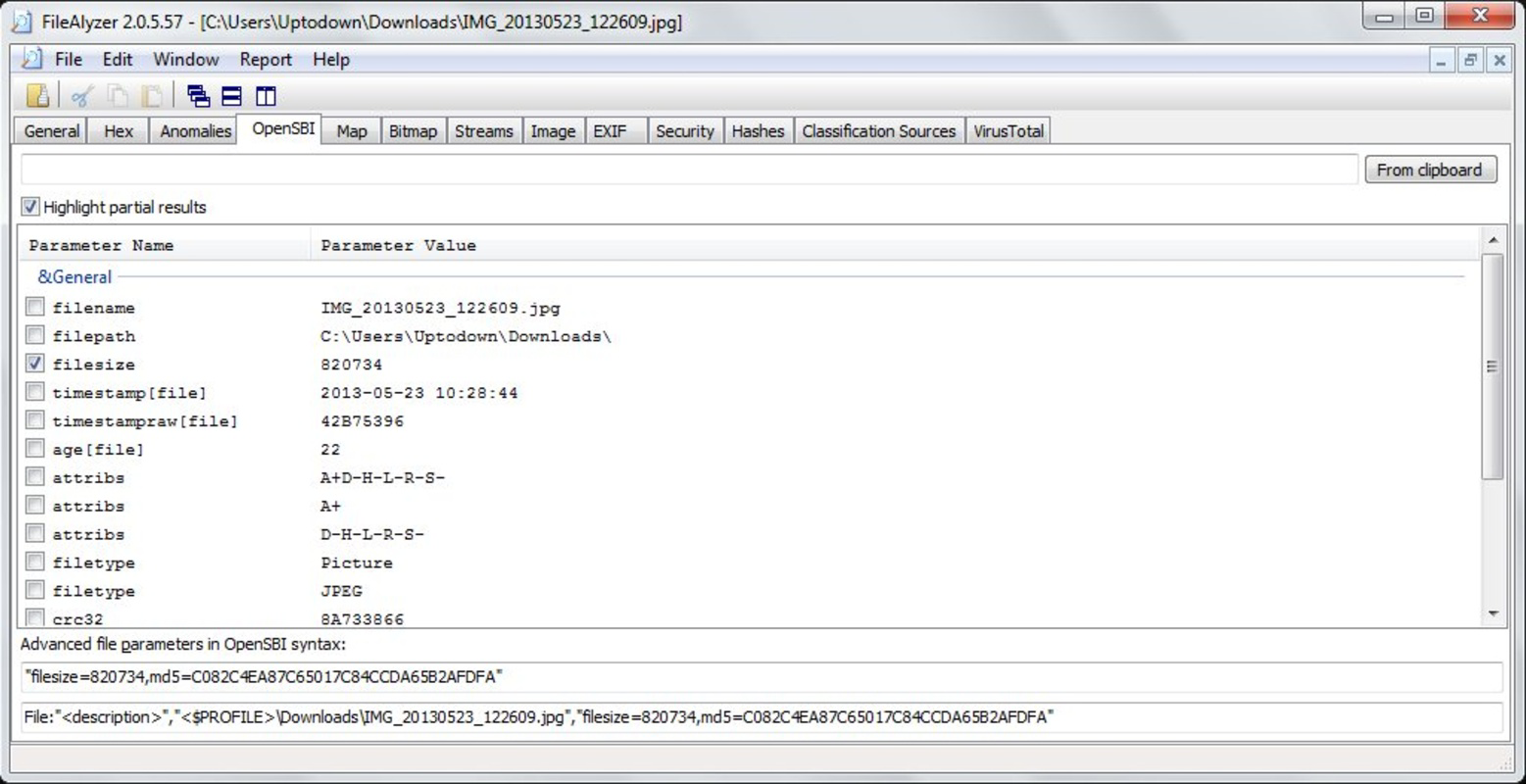
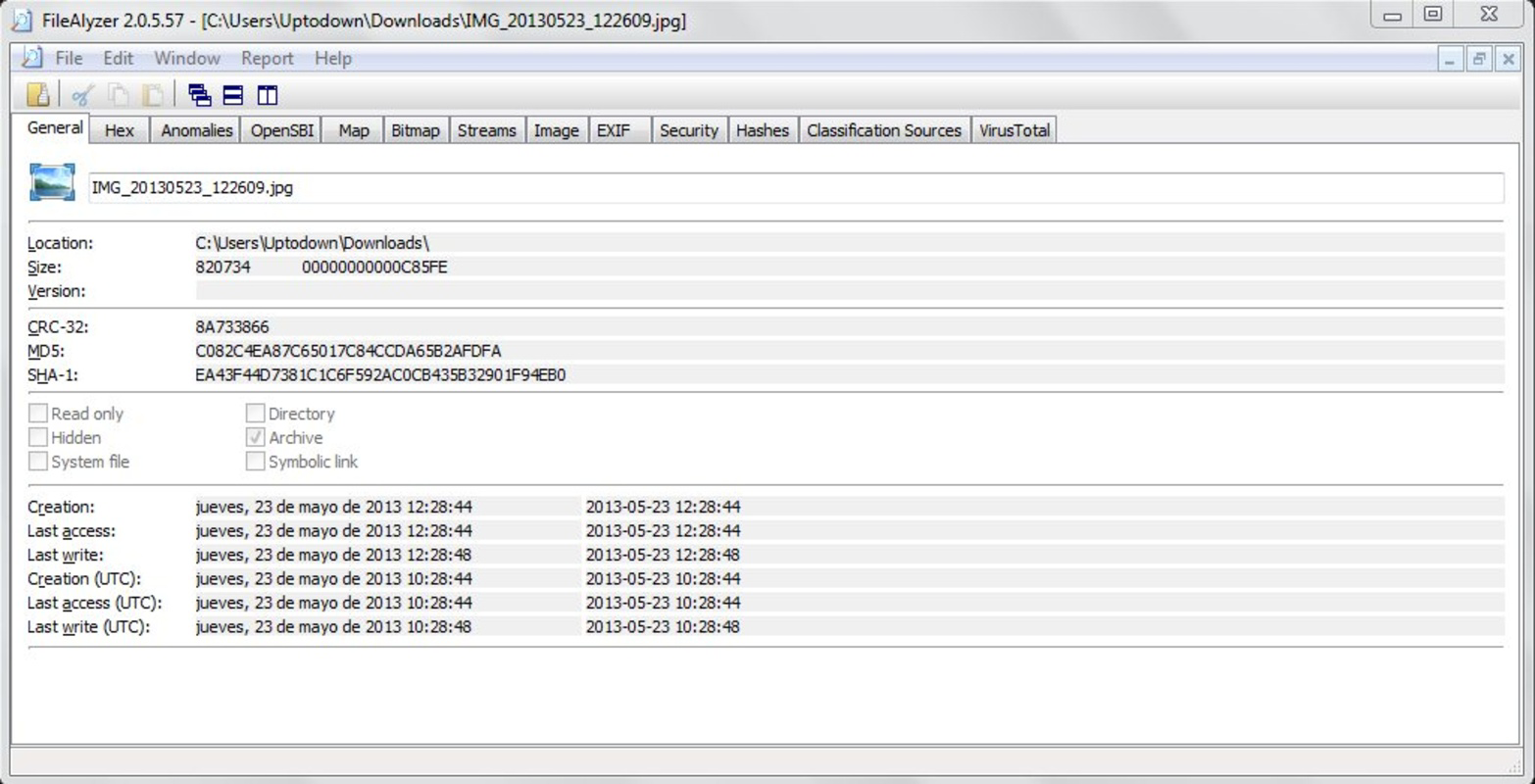
- Detailed File Property Analysis: Displays comprehensive metadata such as file size, creation date, version information, and digital signatures. This helps identify discrepancies or tampering in executable files.
- Hex Dump View: Presents raw binary data in hexadecimal format, enabling developers and reverse engineers to inspect the internal structure of files at the byte level. This feature is essential for debugging and analyzing compiled code.
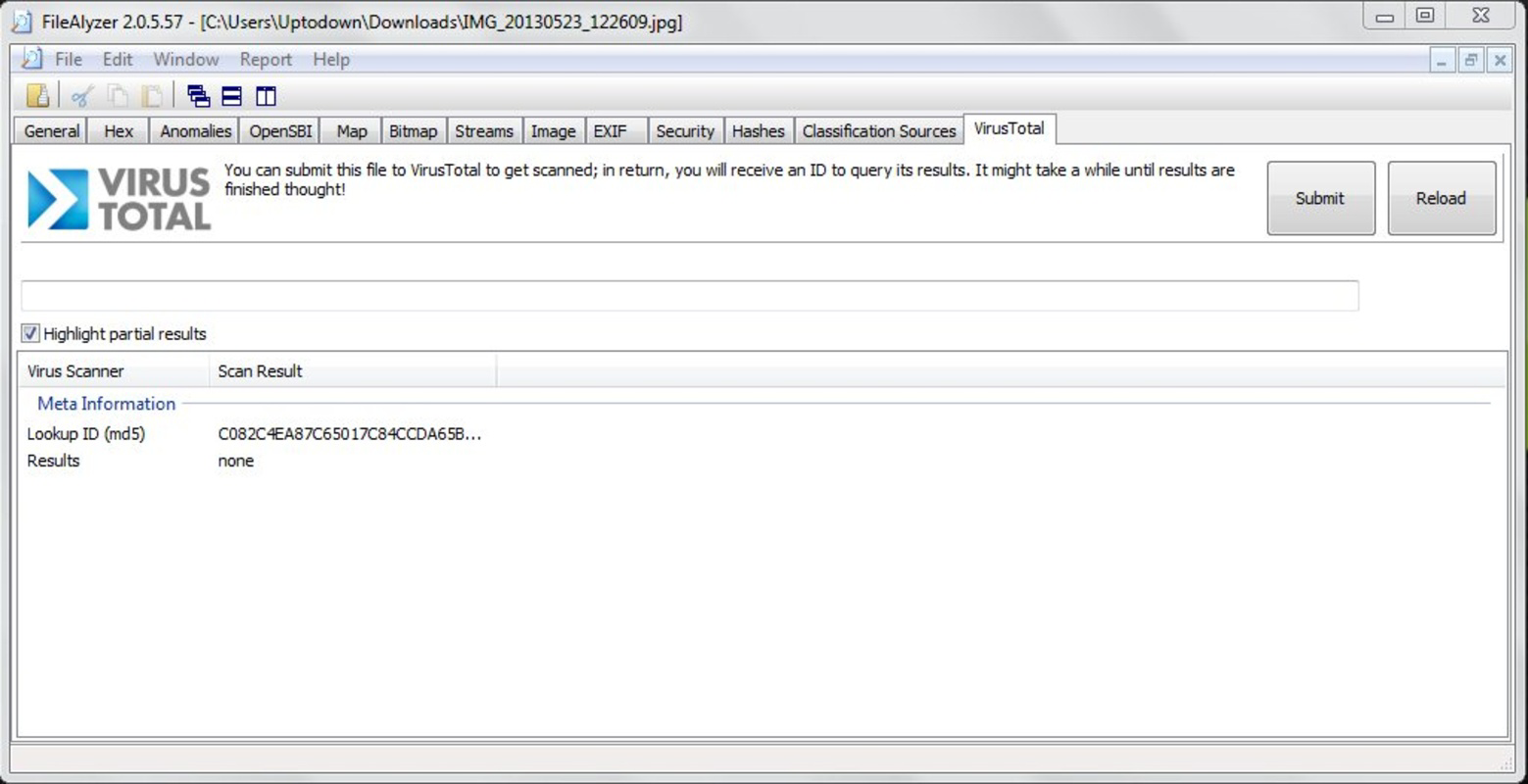
- VirusTotal Integration: Automatically checks file hashes against the VirusTotal database, providing instant feedback on whether a file is flagged by security vendors. This adds a crucial layer of threat detection during analysis.
- Resource Preview: Offers a built-in viewer for embedded resources like icons, strings, and images within executables. Users can quickly assess content without opening external tools.
For example, a developer can use the hex dump to locate specific data patterns in a compiled binary, while a security analyst might leverage VirusTotal results to determine if a suspicious file is known malware. The resource preview feature allows a quick check of embedded text strings, which may reveal hidden URLs or commands. These capabilities make FileAlyzer Portable a versatile tool for technical workflows where speed and precision are essential.
Interface, UX & Performance
The interface of FileAlyzer Portable is designed with functionality in mind, presenting information in a structured, tabbed layout. Users navigate through sections such as General, Version, Resources, and Hex Dump, each offering a focused view of the file’s attributes. The visual style is minimalistic and text-oriented, reflecting its utility-driven purpose rather than aesthetic appeal. Navigation is straightforward, with clear labels and consistent placement of controls.
Although the developer did not list formal performance metrics, the application’s lightweight footprint of 2.4 MB suggests efficient resource usage. It launches quickly and processes files with minimal delay, even on older or low-end hardware. Responsiveness is maintained across different device categories, including desktops and laptops, though specific performance benchmarks were not disclosed.
Stability appears to be a strength, supported by the app’s long-standing release history since 2013. The absence of installation requirements reduces the risk of conflicts with existing software. However, no information was provided about crash rates, memory leaks, or compatibility with newer Windows versions. Users should exercise caution when running the tool on systems with strict security policies or outdated configurations.
Platform Compatibility & Technical Requirements
FileAlyzer Portable is designed exclusively for the Windows platform. It supports the Windows operating system, though the specific version requirements were not listed. The application is distributed as a single executable file, making it easy to deploy across systems without setup procedures.
The file size is 2.4 MB, which is compact and suitable for storage on USB drives or cloud-based file sharing. This small footprint ensures quick transfers and minimal impact on device storage. The developer did not specify minimum OS requirements, so users should ensure their system meets general Windows compatibility standards.
Compatibility information was not fully disclosed, and no details were provided about support for Windows 11, 10, or legacy versions. Users are advised to test the application on target machines before relying on it in critical workflows. The lack of formal documentation on system requirements means that installation-free operation does not guarantee flawless performance across all environments.
Pros and Cons
- Lightweight and fast, ideal for quick file analysis
- Runs from USB without installation, enhancing portability
- Provides detailed file metadata and version information
- Includes built-in VirusTotal integration for threat checks
- Offers hex dump and resource preview for in-depth inspection
- No official documentation or user guide provided
- Compatibility with newer Windows versions not confirmed
- Interface is functional but lacks modern design elements
- Limited support for non-executable file types
- No update notifications or automatic version checks
FAQ
Is FileAlyzer Portable safe to use?
Yes, the application is free and does not require installation. However, users should ensure the source is trusted, especially when analyzing unknown files.
Can I run FileAlyzer Portable on Windows 11?
While the app was released in 2013, it may work on Windows 11. The developer did not specify compatibility, so testing on the target system is recommended.
Does FileAlyzer Portable require internet access?
Yes, internet access is needed for VirusTotal integration. The tool checks file hashes against online databases to detect potential threats.
Is there a mobile version of FileAlyzer Portable?
No mobile version was provided. The application is designed for Windows desktop environments only.
How do I update FileAlyzer Portable?
Updates are not automatically delivered. Users must manually check for new versions from the official source and download the latest executable.
Final Thoughts
FileAlyzer Portable stands out as a reliable, no-installation tool for users who demand technical insight into file content. Its combination of hex dumping, resource preview, and VirusTotal integration makes it a valuable asset for developers, IT professionals, and security analysts. The portability factor enhances its utility in dynamic or restricted environments where software installation is not permitted.
While the interface is basic and lacks modern polish, the app delivers on its core promise: fast, deep file analysis without system impact. For users seeking a secure, lightweight utility to inspect executable files and verify their safety, FileAlyzer Portable remains a solid choice.
Download FileAlyzer Portable now
Guides & Tutorials
How to install FileAlyzer Portable
- Click the Download button above.
- Once redirected, accept the terms and click Install.
- Wait for the FileAlyzer Portable download to finish on your device.
How to use FileAlyzer Portable
This software is primarily used for its core features described above. Open the app after installation to explore its capabilities.
User Reviews
No reviews yet. Be the first to share your experience.
You may also like
more
Que no te pillen¡
About !Que no te pillen¡Reviewed by Jason A. BilbreyShow MoreShow Less

3D Combat Zone
About 3D Combat ZoneOriginally released in 1983, 3D Combat Zone immerses players...

666: El día del portal
About 666: El día del portalOn June 6, 2006, Agent P. Stone uncovers a sinister...

80 in 1 Best Flash games
About 80 in 1 Best Flash games 80 in 1 Best Flash games is a collection of 80 fl...

ABYSS SEEKERーーWhat Do You See Deep in The Abyss
About ABYSS SEEKERーーWhat Do You See Deep in The AbyssIn ABYSS SEEKER, players...

ACA NEOGEO THE KING OF FIGHTERS 2002 for Windows
About ACA NEOGEO THE KING OF FIGHTERS 2002 for WindowsTHE KING OF FIGHTERS 2002,...